Capture & planThe real room.
The real room.
A fresh beginning.
Scan a room on a supported iPhone Pro, or draw its shape yourself. Set the dimensions, doors and windows, and build from there.
A new perspective on your space
See what fits. Try what feels right.
Make room for the way you want to live.
Made for iPhone · Currently in TestFlight
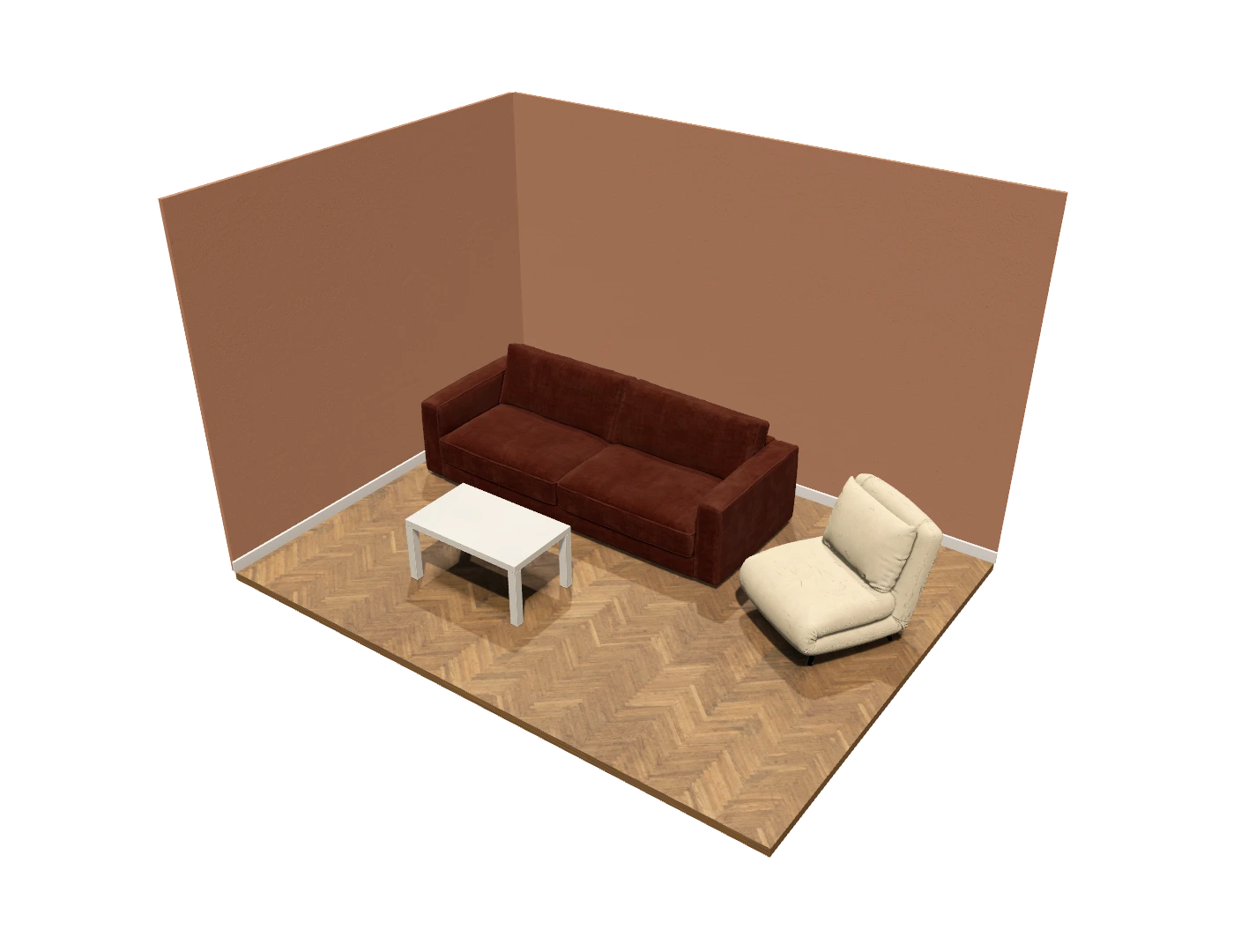
For the room you have, the furniture you love,
and the ideas you haven’t tried yet.
01 / A space that’s yours
Bring your space into focus. Then explore it, one decision at a time.
Scan a room on a supported iPhone Pro, or draw its shape yourself. Set the dimensions, doors and windows, and build from there.
Place furniture at real dimensions. Change a finish, rearrange a layout, or step inside in first person to see it from where you’ll stand.
02 / From Koini Lab3D
Furniture models built in our 3D lab, with their original materials. Turn each piece, look closer, and find a new perspective.
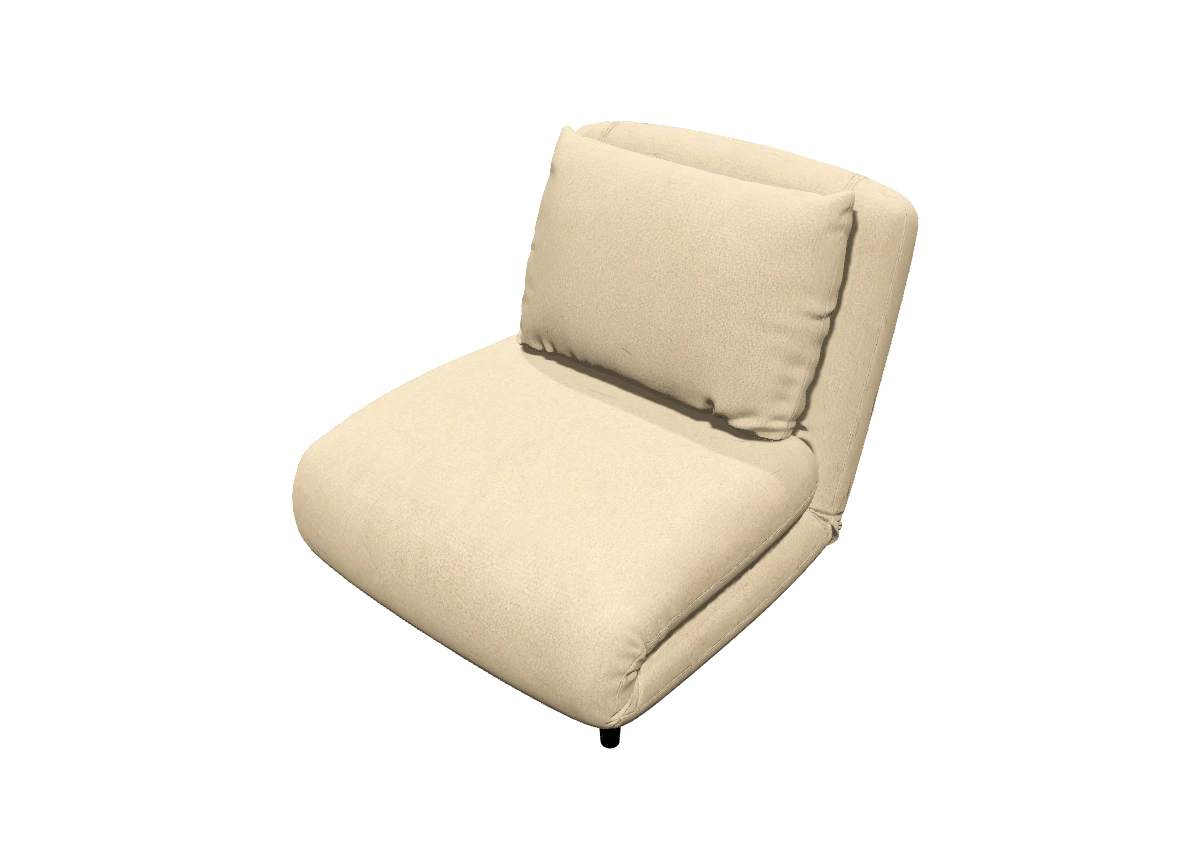
Sleeper chair
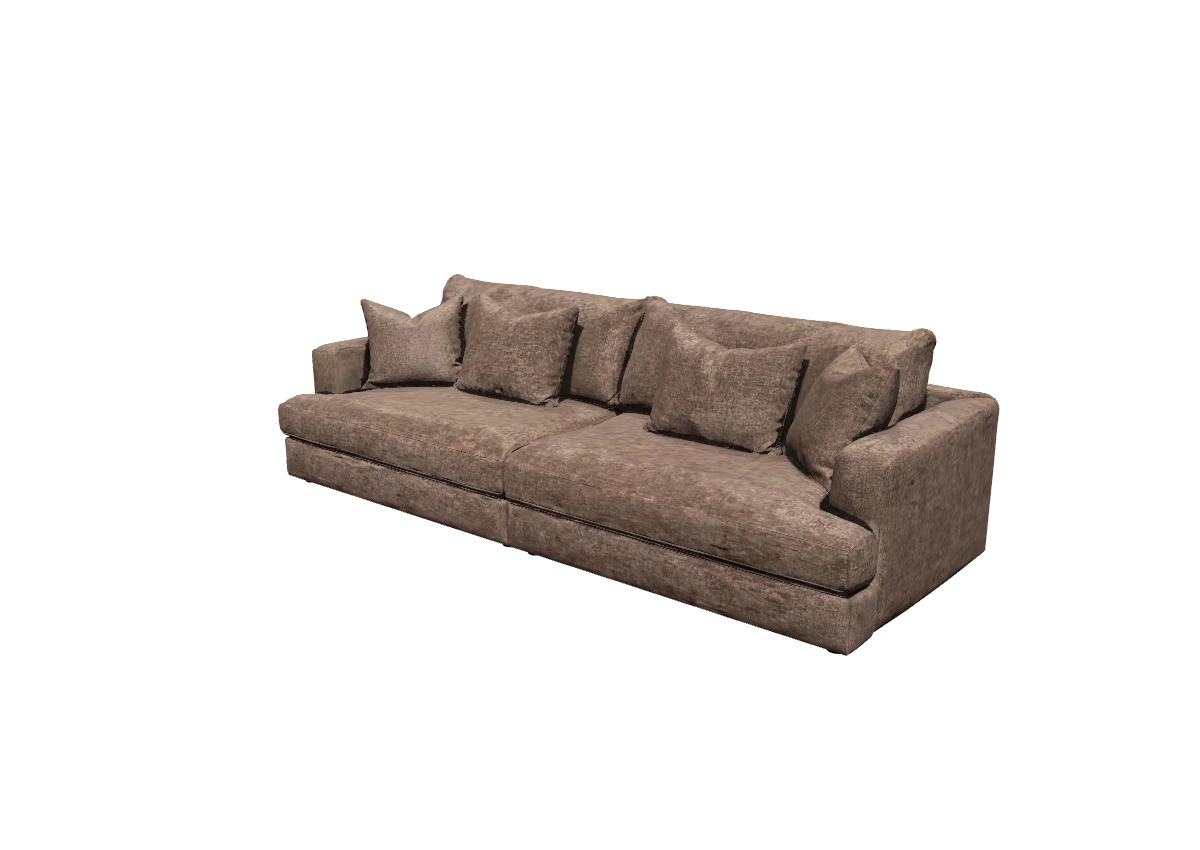
Generous three-seater
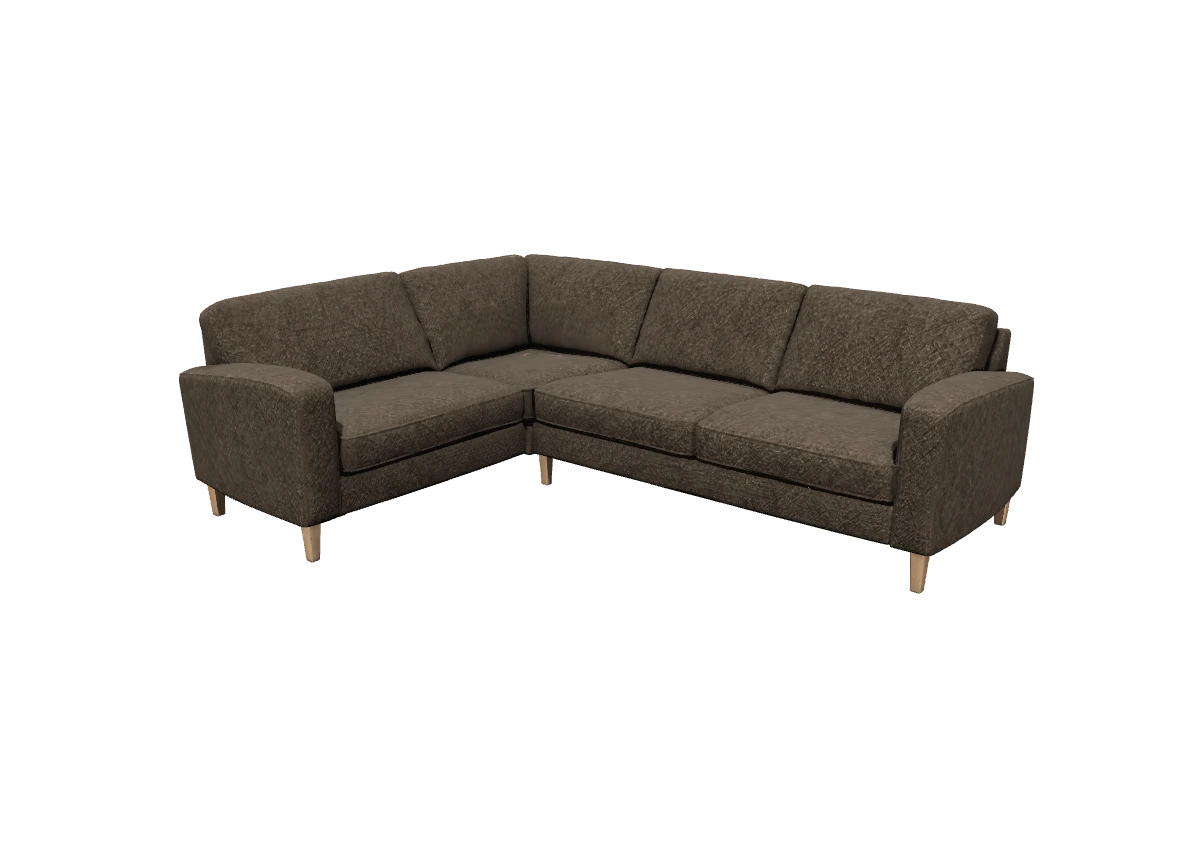
Corner sofa
Published Bohus furniture models from Koini Lab3D. Drag to rotate, scroll or pinch to zoom, and right-drag or use two fingers to pan. With a view focused, use arrow keys to rotate, Shift + arrows to pan, + / − to zoom, and R to reset.
03 / A different point of view
Send a room link to another Koini user. They can save an independent copy, complete with furniture, finishes and lighting.
Their ideas stay in their copy. Your original stays yours.
A little more about sharingA few things to know
Koini is an iPhone app for iOS 26 or later, currently distributed through TestFlight. LiDAR room scanning requires a supported iPhone Pro; you can also enter a room’s dimensions and shape manually.
Yes. Koini supports personal furniture models alongside its catalogue. You can arrange them at their saved dimensions and explore how they work in your room.
In Rooms, open the room’s menu and choose “Share a copy…”. Sign in to create a link, then send it to another Koini user. They can save their own editable copy. Both users need a build containing room sharing.
A link shares a snapshot. Replace it to include later changes, or stop it at any time. Links expire after 30 days. Copies someone has already saved remain independent.
A little imagination. A clearer picture.